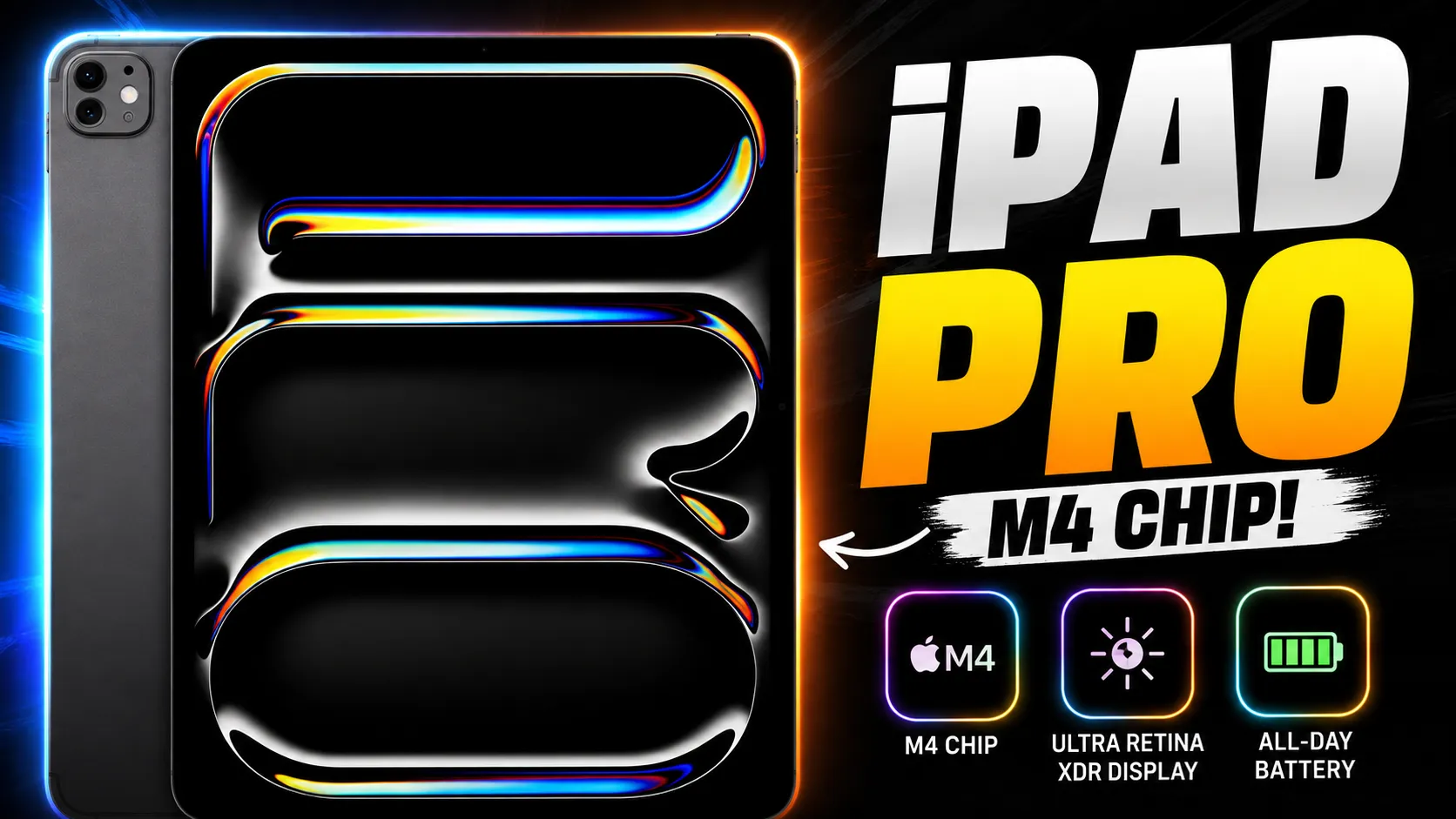
While standard tablets are built primarily for media consumption and casual Web browsing, the iPad Pro M4 pushes the form factor into direct laptop-replacement territory. Combining an ultra-thin design, Apple’s M4 silicon, and a dual-layer Tandem OLED display, it sets the benchmark for high-end digital illustration, video editing, and mobile productivity.
Core Technical Specifications
| Feature | Technical Details |
| Dimensions & Weight | 5.1 mm thickness; ~579 grams (13-inch Wi-Fi model) |
| Display Panel | 13-inch Ultra Retina XDR (Tandem OLED, 2752×2064 resolution, 10–120Hz ProMotion) |
| Peak Brightness | 1,000 nits full-screen SDR/HDR; 1,600 nits peak HDR |
| Processor | Apple M4 chip (up to 10-core CPU, 10-core GPU with Hardware Ray Tracing, 16-core Neural Engine) |
| Pencil & Keyboard Support | Apple Pencil Pro (Squeeze gesture, Haptic feedback) & Magic Keyboard with function row |
| Ports & Charging | Thunderbolt / USB 4 port (up to 40Gb/s transfer speed) |
1. Ultra Retina XDR (Tandem OLED Display)
The defining highlight of the 13-inch iPad Pro is its Tandem OLED display technology, which stacks two OLED panels together. This setup solves traditional mobile OLED brightness limits, delivering 1,000 nits of continuous full-screen brightness with absolute blacks, zero backlight bleed, and precise color calibration for professional photography and video grading.
2. Desktop-Class M4 Silicon & Efficiency
Built on 3nm process architecture, the M4 chip brings hardware-accelerated ray tracing and mesh shading to a tablet chassis. It handles heavy 4K/8K ProRes video renders, multi-layer Procreate files, and 3D modeling without thermal throttling, all while maintaining an amazingly thin 5.1 mm profile.
3. Redesigned Accessories: Pencil Pro & Magic Keyboard
- Apple Pencil Pro: Features internal haptic engines, a squeeze sensor for instant tool palette switching, and barrel roll gyroscope control for realistic brush rotation.
- Aluminum Magic Keyboard: Upgraded with a solid aluminum palm rest, a larger glass haptic trackpad, and a dedicated function row for quick access to brightness and volume controls.
Drawbacks to Consider
- High Overall Investment: Once you pair the base tablet with the required Apple Pencil Pro and Magic Keyboard, the total cost matches or exceeds premium laptops like the MacBook Pro.
- iPadOS Software Limitations: Despite desktop-class M4 performance, iPadOS still restricts full multi-window desktop workflows, terminal access, and background application processing compared to macOS.
- No Legacy Pencil Compatibility: Older Apple Pencils are incompatible with the M4 generation due to relocated internal magnet layouts and landscape front camera positioning.
The Verdict: The iPad Pro M4 is an unmatched piece of display and silicon engineering. For digital artists, colorists, and mobile creators who rely on touch-first workflows, its tandem OLED panel and M4 performance make it the premier creative tablet on the market.
Disclaimer
The information provided on pbs.mpsdeled.in is for general educational and informational purposes only.
Please note that the Piwania Bluetooth Scheme mentioned on this platform is not a government scheme, initiative, or affiliate program of any state or central government body. It is a strictly private effort and independent initiative dedicated to empowering students by bridging the digital divide and providing them with essential digital devices.
While we strive to ensure accuracy, pbs.mpsdeled.in makes no warranties about the completeness or reliability of the services mentioned. Any action you take based upon the information on this website is strictly at your own risk. We are not liable for any losses or damages in connection with the use of our website.
For official government schemes, please visit the respective verified government portals.