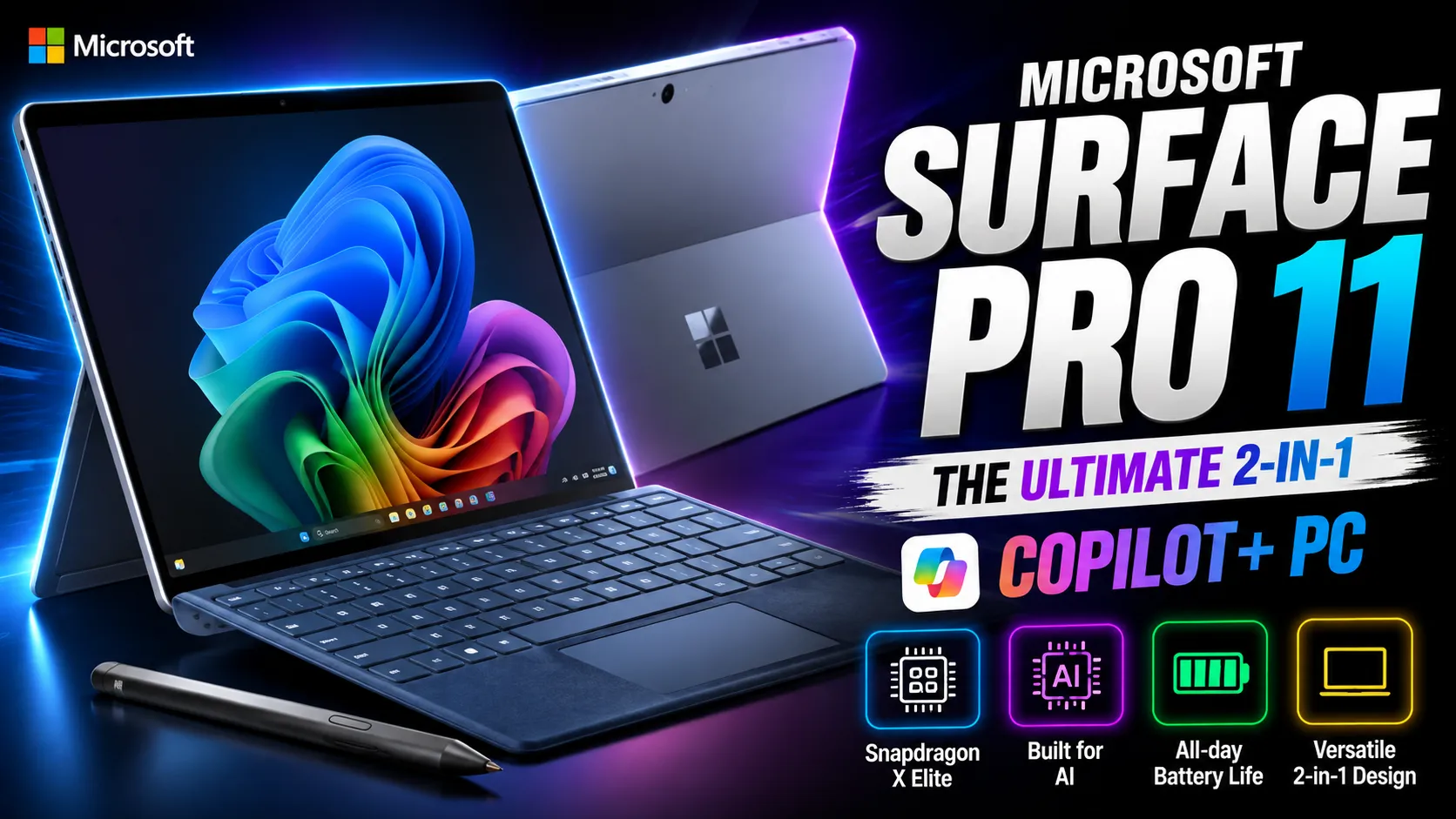
While traditional tablets focus on mobile applications, the Microsoft Surface Pro (11th Edition) bridges the gap between ultra-portable tablets and full desktop productivity. Powered by Qualcomm’s Snapdragon X architecture and running full Windows 11, it sets a new standard for battery efficiency, AI performance, and detachable 2-in-1 versatility.
Key Technical Specifications
| Feature | Technical Details |
| Dimensions & Weight | 287 x 209 x 9.3 mm; ~895 grams |
| Display Panel | 13-inch PixelSense Flow (2880×1920, 120Hz Dynamic Refresh Rate, 3:2 Aspect Ratio, Optional OLED) |
| Processor & NPU | Snapdragon X Plus / X Elite with 45 TOPS Qualcomm Hexagon NPU |
| Memory & Storage | Up to 32GB LPDDR5x RAM / Up to 1TB Gen 4 removable SSD |
| Ports & Expansion | 2x USB-C (USB4 / DisplayPort 1.4a / Charging), Surface Connect port |
| Battery Life | Up to 14 hours local video playback / Up to 10 hours active web usage |
1. High-Refresh OLED PixelSense Display
The Surface Pro 11 introduces an optional OLED display configuration featuring a 1,000,000:1 contrast ratio alongside the standard LCD panel. Its signature 3:2 aspect ratio offers significantly more vertical screen space than standard widescreen tablets, making it ideal for reading documents, multitasking with side-by-side windows, and digital artwork.
2. Snapdragon X Silicon & Native Windows 11
Equipped with Snapdragon X Series processors, the Surface Pro 11 brings true all-day battery endurance without sacrificing computing power. The dedicated 45 TOPS NPU enables local Copilot+ AI capabilities, including real-time audio translation, advanced Windows Studio Effects for video calls, and on-device creative generation.
3. Surface Pro Flex Keyboard & Built-in Kickstand
- 165-Degree Friction Hinge: The integrated rear kickstand adjusts smoothly across a wide angle range, allowing stable positioning for desk typing, sketching, or lap use.
- Detachable Flex Keyboard: The upgraded keyboard cover works both magnetically attached and wirelessly when detached, featuring an enlarged haptic precision touchpad and internal charging for the Surface Slim Pen.
Drawbacks to Consider
- ARM App Compatibility Limits: While the vast majority of mainstream software now runs natively or via x86 emulation, niche enterprise software and games with kernel-level anti-cheat may encounter compatibility issues.
- Cost of Essential Accessories: The Surface Pro Flex Keyboard and Slim Pen are sold separately, adding a substantial cost to turn the base tablet into a functional laptop replacement.
- Thicker Tablet Profile: At 9.3 mm and nearly 900 grams, it is noticeably thicker and heavier than non-desktop slate tablets like the iPad Pro.
The Verdict: The Microsoft Surface Pro 11 is the gold standard for users who need an uncompromising blend of a true Windows desktop OS and a flexible tablet hardware format. Its leap in battery efficiency and display quality makes it one of the best 2-in-1 devices available.
Disclaimer
The information provided on pbs.mpsdeled.in is for general educational and informational purposes only.
Please note that the Piwania Bluetooth Scheme mentioned on this platform is not a government scheme, initiative, or affiliate program of any state or central government body. It is a strictly private effort and independent initiative dedicated to empowering students by bridging the digital divide and providing them with essential digital devices.
While we strive to ensure accuracy, pbs.mpsdeled.in makes no warranties about the completeness or reliability of the services mentioned. Any action you take based upon the information on this website is strictly at your own risk. We are not liable for any losses or damages in connection with the use of our website.
For official government schemes, please visit the respective verified government portals.